
 EN
EN
Version 2.2.47: listeners hear about new episodes, show by show
Published on 25 October 2026 · Checked on 25 October 2026 · Version 2.2.47
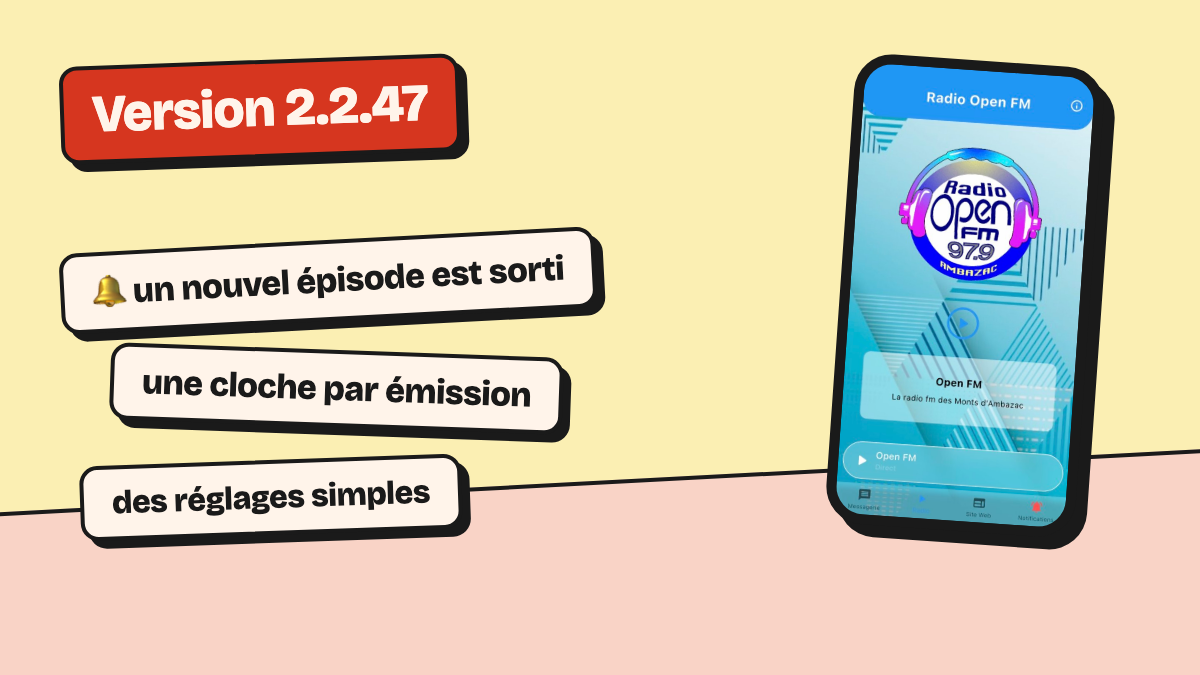
With version 2.2.47, a listener gets a notification when a show publishes a new episode, and can turn these off show by show. The app no longer asks for notifications at launch: it first explains what the station sends, and the listener chooses.
One notification per new episode
When your feed publishes a new episode, listeners who follow the show get a notification. Tapping it opens the show.
By default, each listener follows all your shows. On a show’s page, a button turns its notifications off. The bell next to the podcast search opens the settings.
The server sends at most 5 notifications per station on each run, one per show. An episode more than 3 days old, or a show that has just been added, does not trigger one.
The app no longer asks for notifications at launch
A screen, shown once, explains what the station sends: its messages, and new episodes if it has podcasts. The listener taps « Activer les notifications » (Turn on notifications) or « Plus tard » (Later).
After « Plus tard », a banner offers notifications again after 3, 14, then 60 days. The banner appears in the podcast list, the Notifications tab and the settings. In « Notifications › Réglages » (Notifications › Settings), the listener chooses the station’s messages and the episodes, show by show.
For the station: nothing to do, or one request
Episode notifications go out on their own, from your feeds. A station that does not want them asks us: the option is not in the radio dashboard yet.